- Role
- Senior product designer, solo
- Period
- Oct 2024 to Oct 2025
- Shipped
- Reports 2.0, Q1 2025
- Team
- Product manager and the engineering team
Results
- +15.38%
- Total report views
- +10.56%
- Time in reports, now 5m 03s
- +8.62%
- Views per active user
After Reports 2.0 shipped in Q1 2025.
Context
TradeZella helps traders improve through their own data: a journal, analytics and a library of reports. It serves traders at every level, from beginners learning the basics to professionals running several accounts.
- 100K+
- Traders
- 130K
- Instagram followers
- 27K
- Discord members
Public figures from tradezella.com.
Problem
Traders were not engaging with their performance data. The reports showed too many raw metrics with no hierarchy, gave no guidance on which report to use when, and worked poorly on mobile.
The analytics agreed:
- Return visit rate for reports: below 30%
- User feedback: confusion about how to get an insight out of a report
Research
Before touching the layouts, I wanted to know how traders actually read their reports and where they gave up.
- Stakeholder interviews to align on KPIs and retention goals
- Five user interviews with active and lapsed traders at different experience levels
- A heuristic audit of the report flows
- Competitor analysis: Tradervue, Tradersync, Edgewonk, FxReplay
- Quantitative analysis in GA4, the Pages and screens report
I synthesised the interviews on a board and grouped what I heard by experience. Two groups came out with different problems: newer traders were lost in the data, experienced traders could not go deep enough.
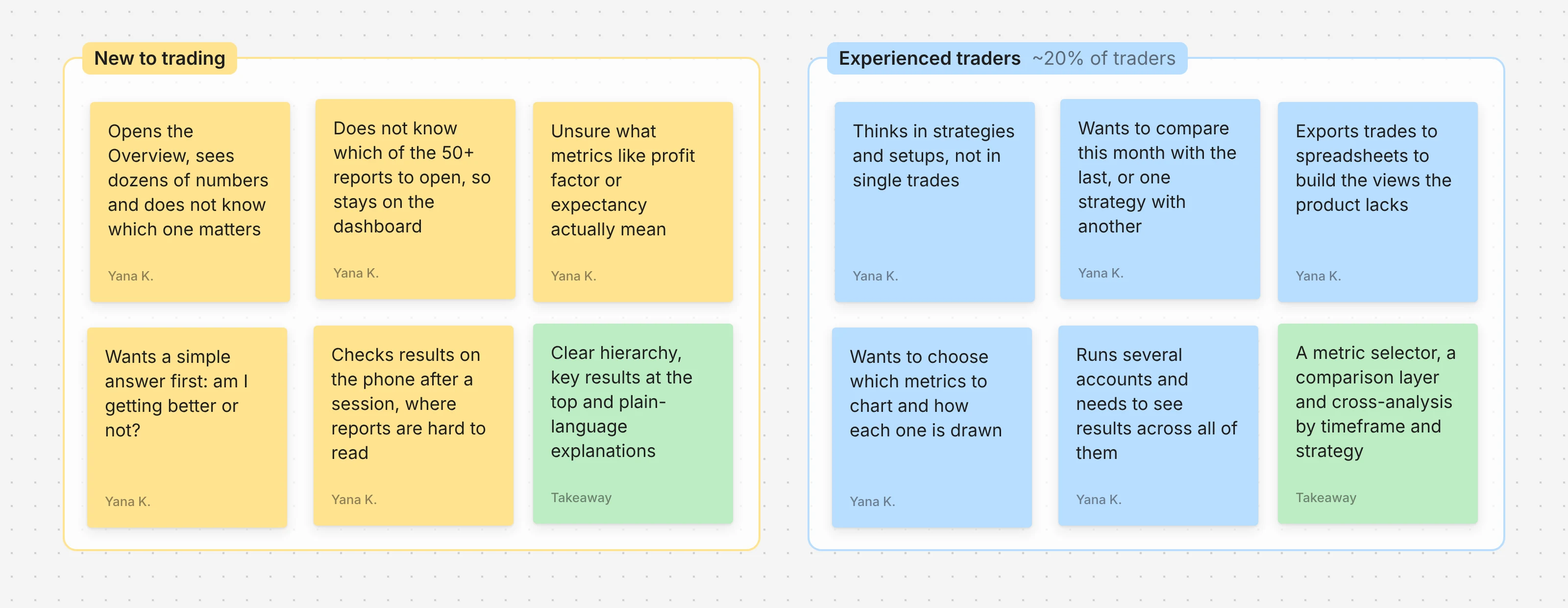
The goal was not to reformat charts. It was to remove friction for newer traders and give experienced ones the depth they were missing.
Approach
We worked in weekly sprints, shipping usable builds and refining them on trader feedback. As the only designer I moved between Figma iterations, product discussions and dev-ready handoffs.
We launched the first two core reports, Performance and Day and time, to validate the layout. The structure held, so we reused its visual and interaction patterns across the rest of the suite.
Solution
Performance dashboard
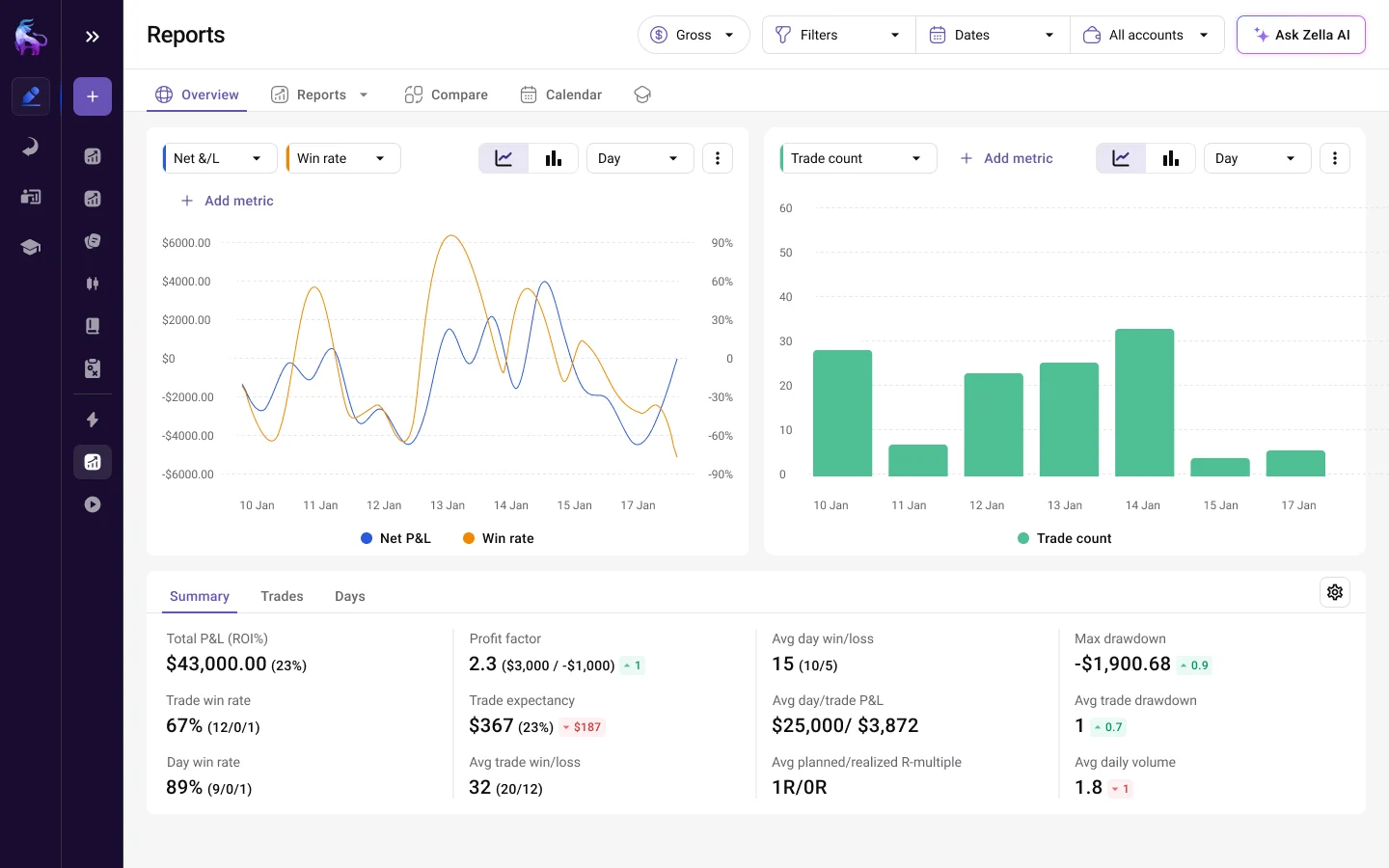
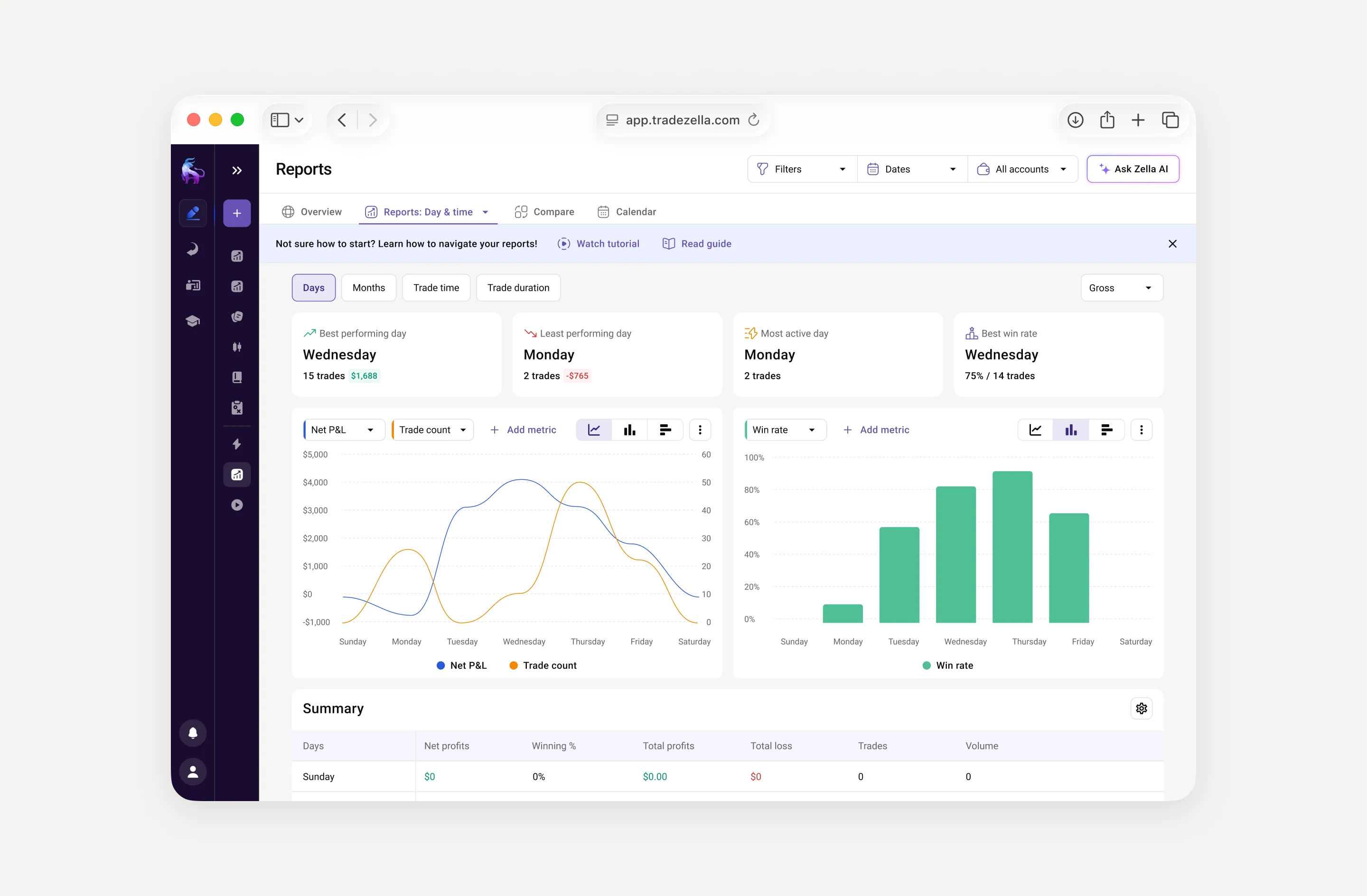
The Performance report shows Net P&L, win rate and trade count side by side, so patterns across trading sessions are visible at once. A metric selector lets traders pick from a wide range of indicators and choose how each one is charted.
One template for 50+ reports
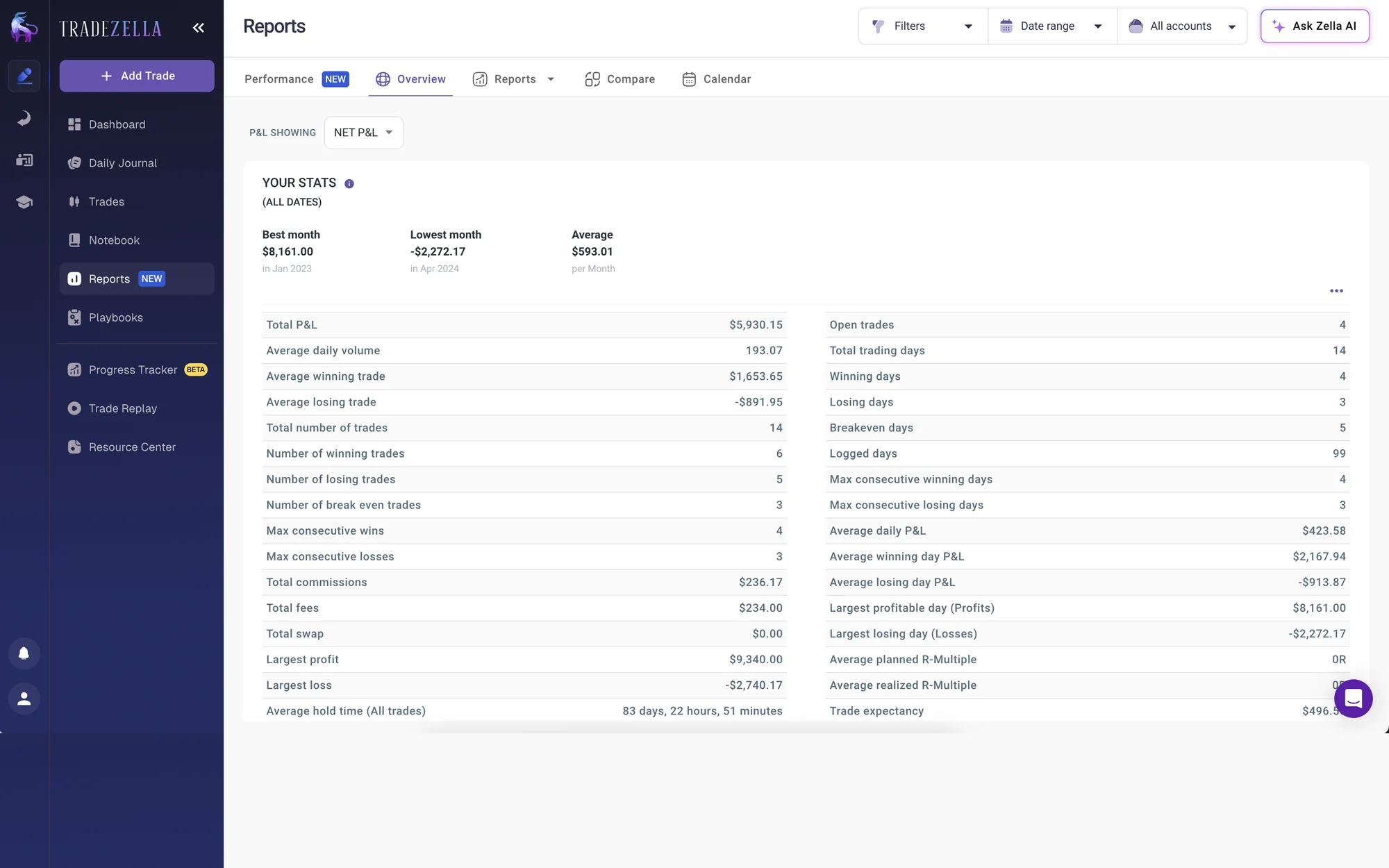
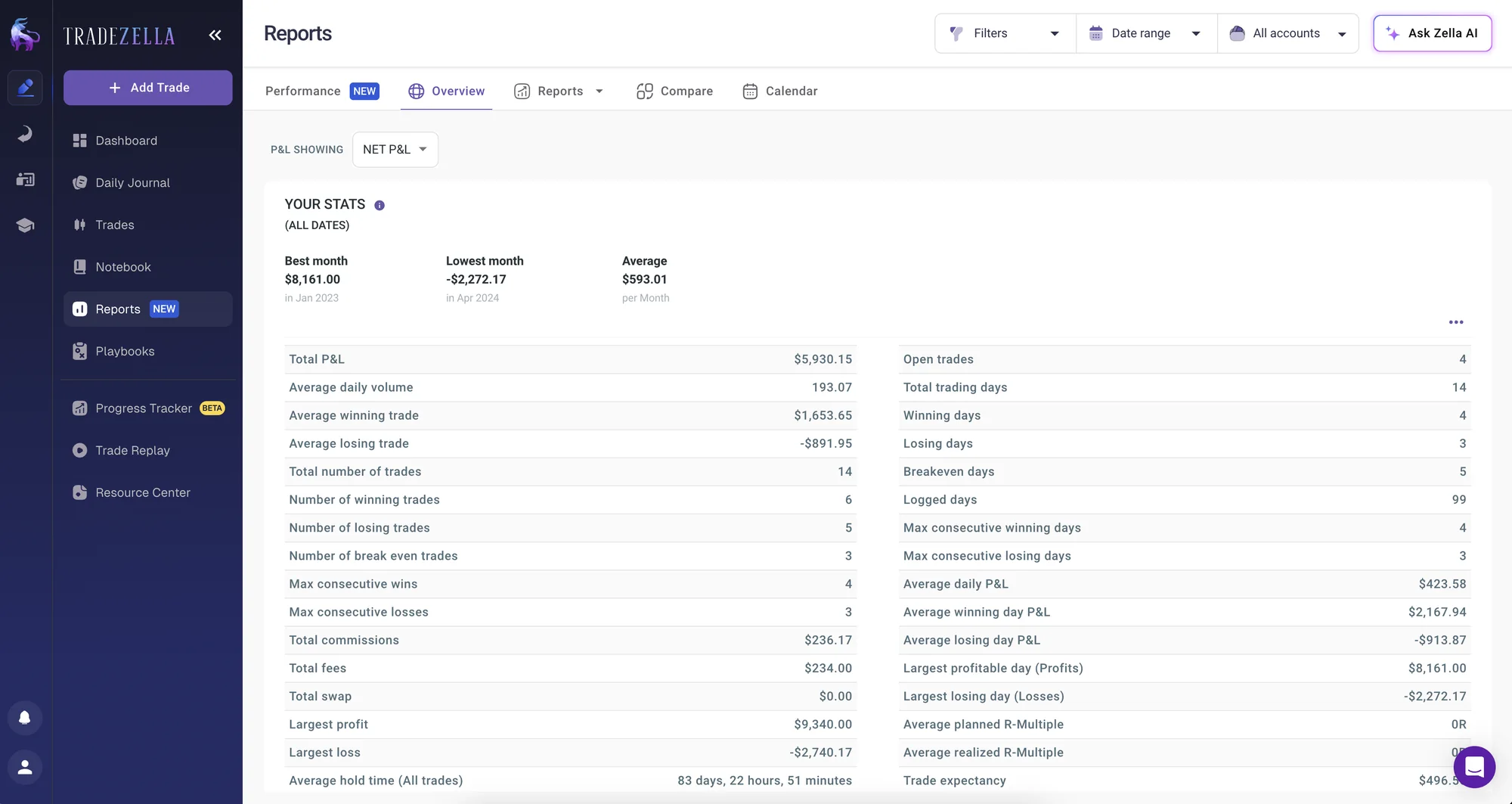
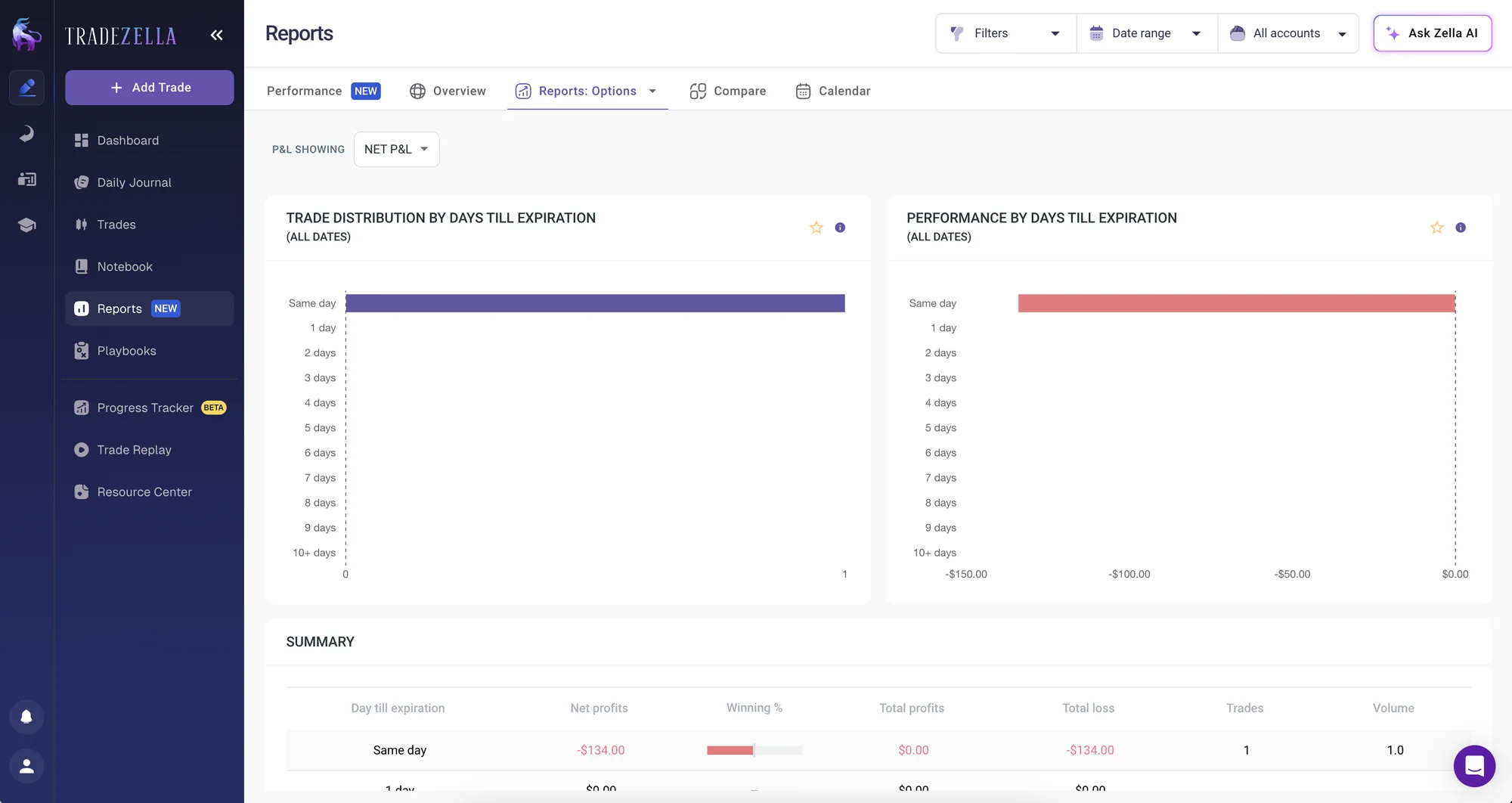
Every report follows the same page: highlight cards with the key results at the top, two configurable charts, then the summary table. With one structure we could show all the data we had across the 50+ reports, and traders learn to read a report once.
It also made development faster. Engineering built the template once and applied it to every other report, so each new one was mostly a matter of plugging in its data.
Cross-analysis
Below the summary of each report sits cross-analysis: a heatmap that crosses the report's dimension, here the days of the week, with a second one the trader picks. It answers questions a single table cannot, such as which instruments lose money on Mondays.
The second dimension is fully customizable: account, playbook, tag, instrument, top or bottom 10 symbols, entry and exit price, entry and exit time. A switch changes what each cell shows, win rate, P&L or number of trades, and the colour scale makes strong and weak spots visible before reading a single number.
Making data actionable
Tooltips and insight banners explain each metric in plain words. A comparison layer inside every report shows what changed against another period and why it matters.
Mobile
On a phone the report keeps the same order: the chart first, then the summary as a two-column grid of metrics, each with its change against the previous period.
The summary is editable right there. The gear turns it into edit mode: tiles can be dragged to reorder or switched to another metric, while Reset, Cancel and Save stay pinned at the bottom however far you scroll. Add new opens a bottom sheet with recently used metrics on top and the rest grouped by category, so a trader never has to scroll a long flat list of metrics.

Impact
After Reports 2.0 shipped in Q1 2025, total report views grew by 15.38%. Traders stayed longer: average engagement time across reports rose 10.56% and now stands at 5m 03s. They also opened more reports each, with views per active user up 8.62%.